To stop email spoofing, publish SPF, DKIM, and DMARC in your DNS and set DMARC to quarantine or reject, not just monitor. That way, email that didn’t truly come from your domain gets filtered out before it reaches your clients or staff.
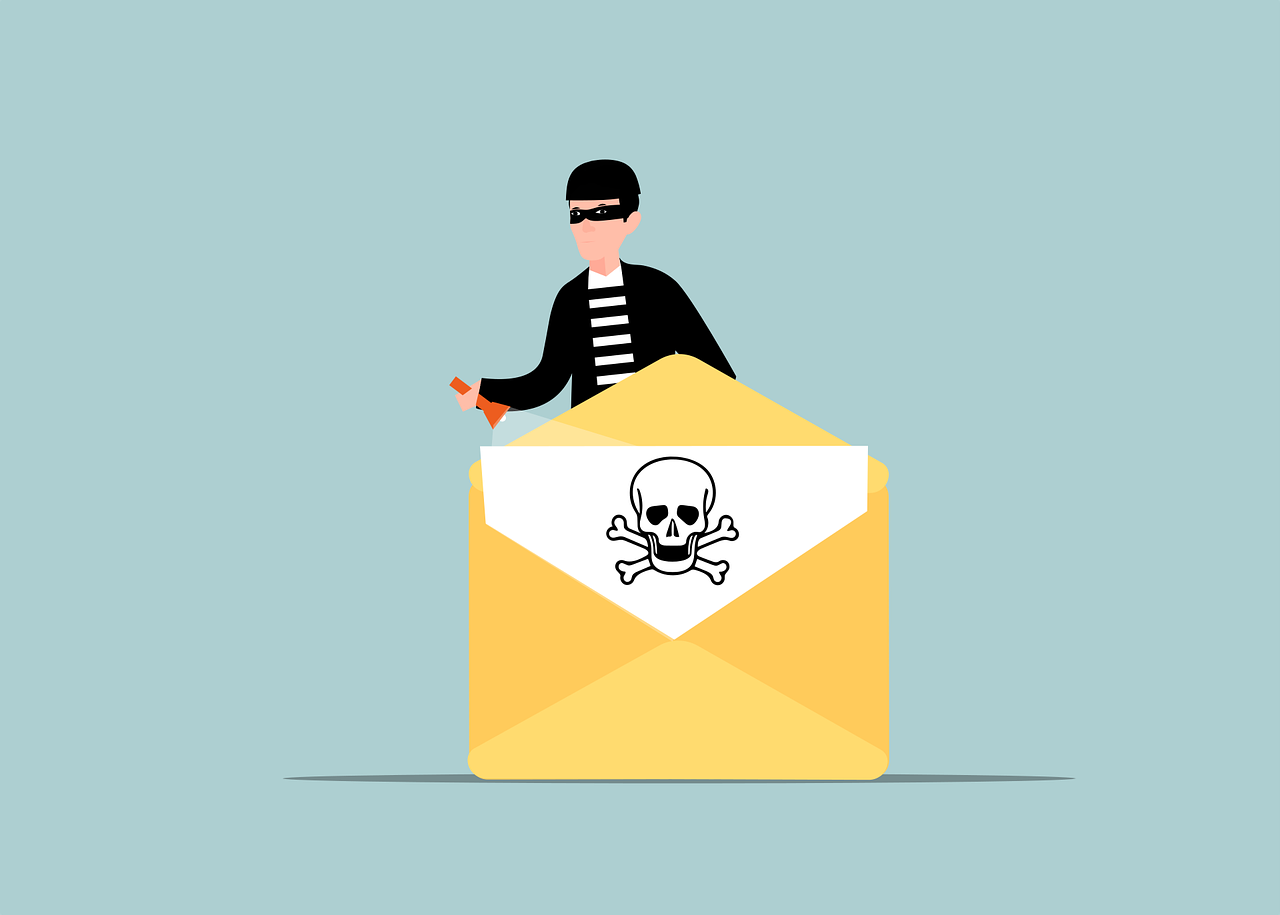
Here’s a hard truth: without the right settings, someone can send a message that looks like it came from your business. The From line can show your domain, the logo can be copied, and the note might ask a customer to pay a “revised” invoice. That’s email spoofing—and it’s a common way fraud starts.
The good news is there are three simple records you add to your domain that make this trick much harder: SPF, DKIM, and DMARC. Many companies around Panama City have one or two set up, but leave a gap that lets a fake slip through. Below we explain each one, the DMARC choice many people miss, and how to check your own domain.
How crooks fake your email address
Email was designed years ago, when trust was assumed. The mail system doesn’t automatically prove the sender’s identity. Think of it like writing any return address on an envelope—the post office still delivers it. Spoofing abuses that weakness.
A scammer can put your domain in the From field and send it. If your domain isn’t locked down, a receiving server may treat it as legitimate and place it in the inbox. The UK’s National Cyber Security Centre publishes guidance on stopping this for exactly that reason.
Use three DNS records to prove your mail is real
Three DNS records work together to verify messages that claim to be from your domain. You publish them where you manage DNS, and mail providers reference them for each message.
SPF (Sender Policy Framework)
SPF is a DNS entry that lists which mail systems are permitted to send on your behalf. When a message shows up saying it’s from you, the receiving service compares the sending server to that list. If the server isn’t authorized, the message fails the check.
DKIM (DomainKeys Identified Mail)
DKIM adds a cryptographic signature to your outgoing mail. Your system signs each message with a secret key, and the matching public key is published in DNS. The recipient’s server validates the signature to confirm the message is genuinely from your domain and wasn’t altered in transit.
DMARC (Domain-based Message Authentication, Reporting and Conformance)
DMARC coordinates the results of SPF and DKIM and enforces what should happen when a message doesn’t pass. It also requires the visible From domain to align with the domain verified by SPF or DKIM, which is what blocks precise forgeries of your address. On top of that, it can send you reports showing who is sending mail using your domain—including senders who shouldn’t be.
The DMARC choice many businesses overlook
DMARC has three policy levels, and picking the wrong one leaves a hole.
- p=none: monitoring only. Failing messages aren’t stopped; you just receive reports.
- p=quarantine: failing messages are sent to junk/spam.
- p=reject: failing messages are blocked outright.
Plenty of organizations turn DMARC on at p=none and never move forward. With p=none, you get visibility but no actual protection. Real blocking starts when you switch to quarantine or reject. Microsoft’s guidance is to progress to p=reject after you confirm your legitimate mail is authenticating correctly.
What SPF, DKIM, and DMARC won’t catch
These controls stop crooks from forging your exact domain. Two gaps remain, and both matter:
- Lookalike domains. An attacker can buy a similar domain—say, yourcompany-billing.com or swap .com for .co—and send from that. Your protections cover your real domain, not a different one.
- Display-name tricks. The sender name might read “Your Company Accounts,” but the actual email address could be a throwaway mailbox. DMARC validates the domain part, not the friendly name you see first.
Good habits still matter: check the full address, not just the name, and confirm any banking change by calling a known number you already have—not the one in the email.
Why this matters even for low-volume senders
Protection: SPF, DKIM, and DMARC keep criminals from posing as your domain to clients, vendors, and your own team.
Deliverability: Large mailbox providers now expect authenticated mail, especially at scale. Since February 2024, Google and Yahoo require bulk senders—those sending more than 5,000 messages per day—to use SPF, DKIM, and DMARC. Microsoft introduced similar rules for Outlook.com and Hotmail in 2025, first sending non‑compliant high‑volume mail to spam and later refusing it. Even if you send fewer messages, properly authenticated mail is more likely to land in the inbox.
How to check and improve your setup
You can get a quick read on your status without touching any settings. Free SPF and DMARC lookup tools will show whether records exist for your domain. That tells you if they’re present, but not whether every legitimate sender you use is covered or configured correctly.
Dialing this in is a job for whoever manages your IT or DNS. These records live in DNS, and a mistake can push your own mail to spam, so the rollout should be staged:
- Publish SPF and DKIM, making sure all real mail sources (your mail platform, marketing tools, scanners, etc.) are included.
- Add DMARC with p=none and review the reports to verify that your legitimate mail is passing alignment.
- When the reports show only approved senders are passing, increase enforcement: move to p=quarantine, then advance to p=reject.
Microsoft recommends this same phased approach—start with monitoring, then tighten—so you protect the domain without accidentally blocking valid messages as you go.
Frequently asked questions
What is email spoofing?
It’s when someone sends a message using your domain in the From line so the email appears to come from your company. The goal is often to push fake invoices, switch bank details, or harvest sensitive information.
What are SPF, DKIM, and DMARC in plain English?
SPF lists which servers may send mail for your domain. DKIM adds a tamper‑evident signature that proves the message is yours and unaltered. DMARC brings those checks together, enforces what to do with failures, and provides reports on who is sending as your domain.
Does DMARC stop every kind of impersonation?
No. It prevents exact-domain forgeries. It won’t block lookalike domains or trickery with the display name. That’s why staff awareness and verifying payment changes by phone are still essential.
Will turning on DMARC break our own email?
Not if you roll it out in stages. Start with p=none to observe reports and confirm your approved mail authenticates. Then increase enforcement to quarantine and finally reject. Skipping straight to reject without checking can cause problems.
Do we need these records if we don’t send many emails?
Yes. They protect your brand from spoofing and help your messages reach the inbox. Google, Yahoo, and Microsoft expect proper authentication, and mail without it is more likely to be filtered.
If you’d like help setting this up for your team in Bay County, we’re happy to walk you through it—just get in touch.
—