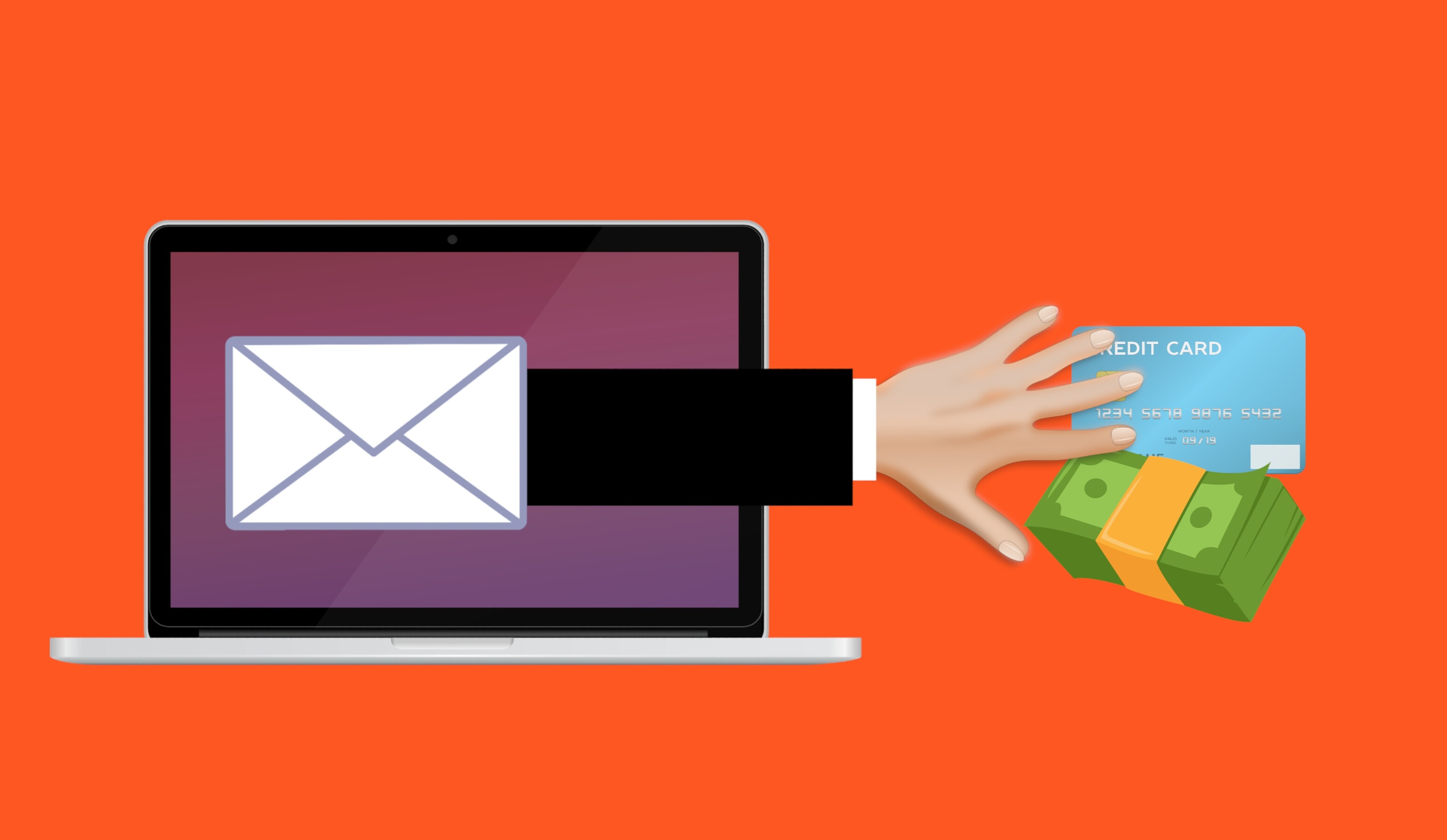
For most small businesses, the weakest point in website security is outdated WordPress plugins. Criminals run automated scans for known holes, take over the sites they find, and use them to spread malware, host scam pages or capture what visitors enter into forms. Regular updates, and one clearly named person or company responsible for them, stop most of these attacks.
Websites tend to get built, launched and then left alone. Nothing looks broken, so nobody logs in. That "set it and forget it" habit is a big reason neglected websites are such an easy target.
WordPress is behind more than 40% of all websites on the internet, according to W3Techs, and plenty of local business sites use it. The core software is well maintained. The weak spots are the add-ons, the plugins and themes, which frequently sit untouched for years.
How websites actually get broken into
Nobody is sitting at a keyboard choosing your company. Criminals use software that sweeps across millions of sites, checking each one for flaws that are already public, such as a plugin version with a known security bug. When it finds a match, it gets in automatically. Your site was simply on the list.
Here's why plugin updates matter. Once a plugin's developer learns about a flaw, they ship a fixed version. Any site still running the old version stays exposed, and the scanning tools are built to look for exactly that. Patchstack, which tracks WordPress security flaws, reports that the vast majority are found in plugins and themes rather than in WordPress itself.
What criminals do with a hacked site
You might expect a hacked website to crash or show a skull and crossbones. Usually it does neither. It keeps looking normal while working for someone else:
- Infecting visitors. Code is slipped into your pages that either infects people's devices or bounces them to a page that tries to.
- Hosting junk pages. Hidden pages for knock-off products or scams are added, piggybacking on the trust search engines place in your domain.
- Skimming forms. Contact and checkout forms can be quietly copied, capturing names, phone numbers, addresses or card details.
- Sending people elsewhere. Click your link and you land on a scam or malware site instead.
Your visitors were the real target, but your business pays the price. Google and other search engines warn people away from hacked sites and bury them in results. Browsers may block them outright, so a potential customer sees a bright red danger warning where your homepage should be.
How exposed is your site?
It comes down to how the site is put together.
Built on a hosted platform such as Wix, Squarespace or Shopify? The platform handles most updates and security for you, so the risk is smaller.
Running WordPress on your own hosting, maybe set up by a designer or marketing agency? Then someone has to keep WordPress, its plugins and its theme current. Ask yourself who that is. For many small businesses, the truthful answer is "no one, since the day it launched."
Red flags include not knowing who looks after the site, no updates in the last year, or plugins from a developer who has gone quiet.
Simple habits that keep your website safe
- Update regularly. Install new versions of WordPress, plugins and themes as they're released. Many sites can be set to do this on their own.
- Remove what you don't use. Each unused plugin is extra risk with no benefit.
- Choose plugins carefully. Favor popular, well-rated plugins with recent updates, and skip ones that look forgotten.
- Replace abandoned plugins. A plugin can stop receiving updates or be pulled from the official directory over a security issue. After that, no more fixes are coming, so check periodically and swap out anything unsupported.
- Protect the admin account. Give it a long, unique password, and turn on two-step login if your site allows it.
- Use a security plugin or web firewall. A trusted one filters out common attacks and alerts you to unexpected changes. Ask your host or IT provider which one they'd use.
- Back the site up. With a recent copy, recovery means restoring, not rebuilding.
- Put a name on it. Agree who owns updates and security, whether that's your designer, your IT provider or your host.
If your website gets hacked
Speed matters. Here's the order of operations:
- Call for help immediately. Your web host, IT provider or a website security company should handle the cleanup. Hosts see this regularly and know the drill.
- Pull the site down. Swap in a basic maintenance page so visitors aren't exposed while it's being fixed.
- Reset passwords. Using a computer you trust, change the hosting and website admin passwords and switch on two-step login.
- Roll back to a clean copy. A backup from before the break-in is often the quickest way back. Without one, the site has to be cleaned manually.
- Patch before relaunching. Bring WordPress, plugins and themes up to date and delete anything unfamiliar or unused, so attackers can't walk back in the same way.
- Notify affected people. If the site collected customer details or payments, work out whether that data was exposed and, if so, tell the people involved.
Frequently asked questions
What are the signs my website was hacked?
Watch for a security warning from Google or your browser, a sudden dip in visitors from search, pages or pop-ups you never created, or a note from your host about suspicious activity. Your IT provider or host can confirm either way.
My site works fine. Do I really need updates?
Yes. A website can look perfect from the outside while an outdated plugin gives attackers a way in. Updates close those gaps whether or not anything seems wrong.
Are Wix and Squarespace sites safe?
They carry far less risk, since the platform handles updates and most security. Still use a strong admin password and two-step login, but plugin patching isn't on your plate the way it is with self-hosted WordPress.
Who should look after my website?
One clearly named party: your designer or agency, your IT provider or your hosting company, depending on how the site was built. The key is that updates genuinely happen.
What does a security plugin or web firewall do?
It sits in front of or inside your site, filters out common attacks, keeps an eye on changes and alerts you to trouble. For WordPress sites, a well-known security plugin is an easy, affordable layer of protection.
Sources and further reading
- W3Techs: WordPress usage statistics: how much of the web runs on WordPress.
- Patchstack: WordPress vulnerability report: why plugins and themes hold most WordPress security flaws.
- NCSC: Small Business Guide: UK government advice on keeping software patched.
Not sure anyone is keeping your website updated? Flux Labs can review where it stands and take over the upkeep for businesses around Panama City. Get in touch.
—