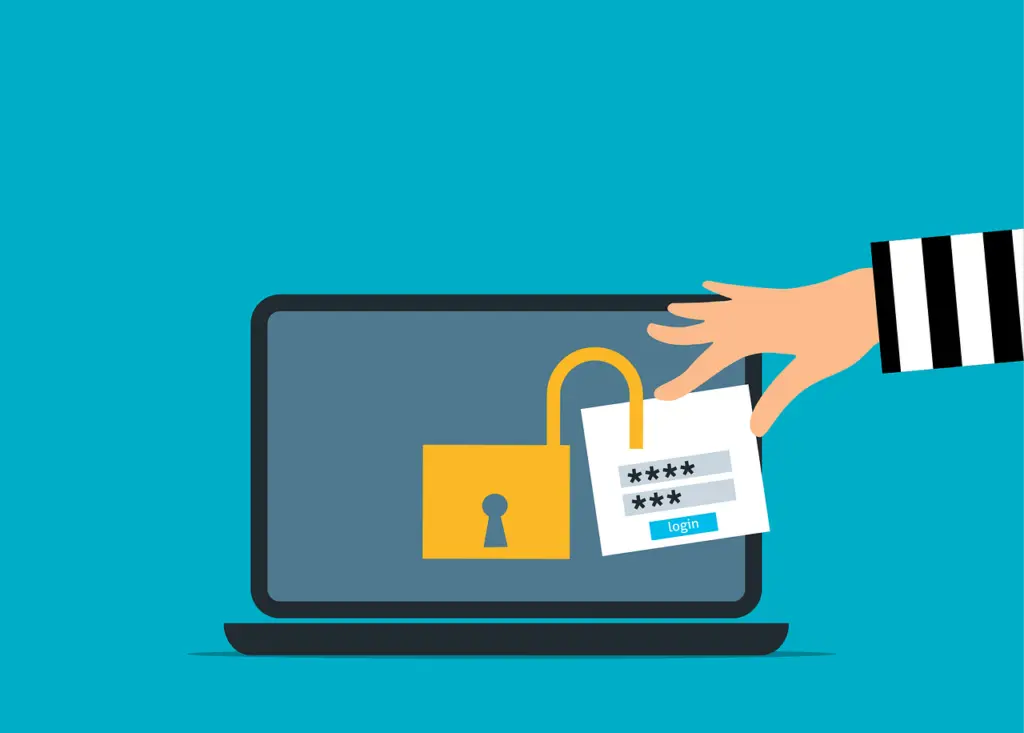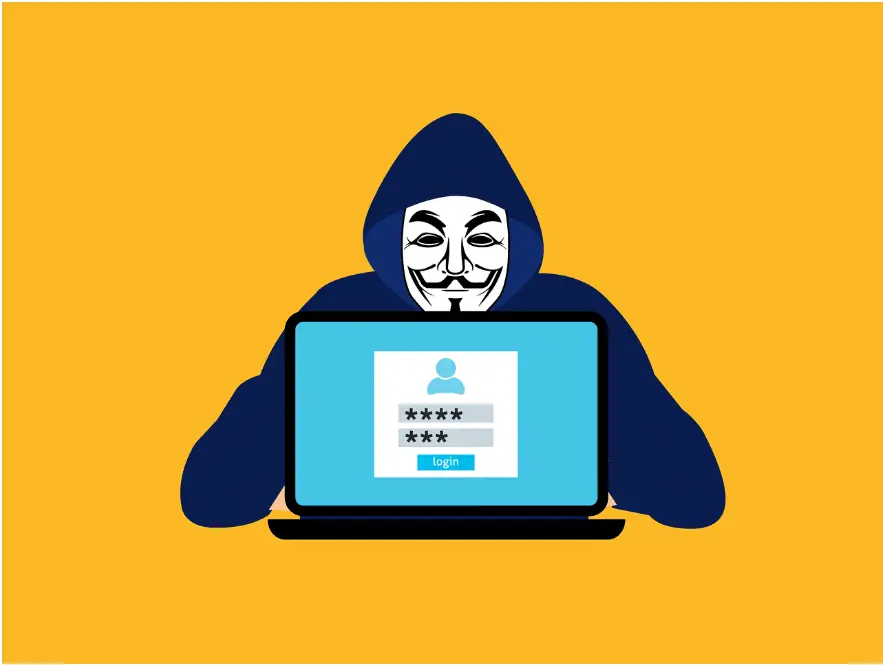
Phishing that bypasses two-step login works by placing a proxy between you and the real site, then grabbing the session cookie after you approve the prompt—so the attacker can use your active login; stronger, phishing-resistant methods plus access policies, monitoring, and user training help cut the risk.
You click a link, sign in, tap approve, and move on. Meanwhile, someone else is quietly inside the same account at the same time. That’s the core trick behind Adversary-in-the-Middle (AiTM) phishing. It doesn’t wait to use your password later. It steals your already-verified session right now.
Two-step login (multi-factor authentication, or MFA) is still a must. It protects the moment you prove who you are. But AiTM goes after what comes next—the trusted session your cloud apps create after you’ve passed the check.
Phishing Has Shifted From Passwords to Sessions
Old-school phishing tried to capture usernames and passwords. Modern kits focus on something more valuable: the active session token that says “this user is already in.”
Attackers increasingly intercept the sign-in flow in real time. Instead of trying to reuse stolen credentials—which two-step login often blocks—they wait until you succeed, then lift the token that proves you did.
This technique is now packaged and sold. Phishing-as-a-Service (PhaaS) kits, including tools such as Evilginx, make it easy to run convincing reverse-proxy campaigns against Microsoft 365 and Google Workspace, even for low-skilled criminals.
How Phishing That Bypasses Two-Step Login Works
The “login page” is a live relay
An AiTM site isn’t just a fake screen. It’s a live reverse proxy sitting between you and the real sign-in service. Every click, redirect, and prompt flows through the attacker’s server. Branding looks right. Redirects work. Even the two-step prompt functions. Often the only tell is a slightly off URL, easy to miss on a phone or when you’re rushed.
Why two-step checks don’t stop it
Two-step login protects the verification step, not the session that follows. After you pass the check, the service issues a session cookie. That cookie is proof you’re already verified. From then on, the app trusts the token—no more password or prompt needed. Whoever holds the cookie holds the access.
AiTM attacks wait for that cookie to be created and then steal it. Microsoft reported a 146% year-over-year increase in these attacks as criminals target accounts that already use MFA. PhaaS platforms such as Evilginx have helped drive that growth by making large-scale proxy campaigns easier to run.
Session cookies: the keys they want
Session tokens act like bearer passes. If an attacker exports your cookie into their own browser, they can immediately continue your session. It’s a replay of your trusted state, not a new login. That’s why standard sign-in alerts often don’t fire.
What Attackers Do After They Get In
Because the session is legitimate, early signs are subtle. There may be no failed prompts, no odd sign-in warnings, and nothing obvious in basic login logs.
Research from Proofpoint shows common next steps: creating hidden inbox rules to divert mail, adding new two-step methods to keep persistent access, watching email threads for payment-related messages, and using the trusted account to phish coworkers or finance teams. These moves are why AiTM is often discovered late—after fraud, data exposure, or wider compromise has started.
How To Lower Your Exposure
Two-step login is baseline security, but it’s not the finish line. Reducing AiTM risk means adding safeguards that watch and control what happens after sign-in.
Use phishing-resistant two-step methods
FIDO2 security keys and passkeys tie the login to the physical device and the real website domain. If a proxy sits in the middle—or the URL isn’t the genuine one—the process fails. The Canadian Centre for Cyber Security reviewed 100+ AiTM campaigns against Microsoft Entra ID and found that phishing-resistant MFA consistently blocked session theft where push approvals and one-time codes did not.
Tighten conditional access
Risk-based policies look beyond “already signed in.” They check device health, IP location, and session behavior. Set up well, these controls can challenge or block odd access patterns—even when a stolen cookie appears valid.
Watch for post-login red flags
Focus monitoring on what happens after authentication. Useful signals include new MFA methods added, inbox rules created after hours, access from unfamiliar places, and unusual data activity. Sign-in logs alone won’t surface an AiTM foothold.
Coach your team to check URLs
Make sure employees know that a real-looking page with a working prompt can still be a trap. Encourage a quick URL check, especially on mobile. A short walk-through of common Microsoft 365 lures can meaningfully reduce risk for offices around Panama City.
Protect More Than the Sign-In Screen
Two-step login is essential, but it’s only the foundation. The organizations that stay ahead of AiTM understand sessions, tokens, and identity trust—and they put guardrails around each layer, not just the front door.
If you’d like a practical review of your identity protections and gaps, get in touch. We’re happy to help.
—