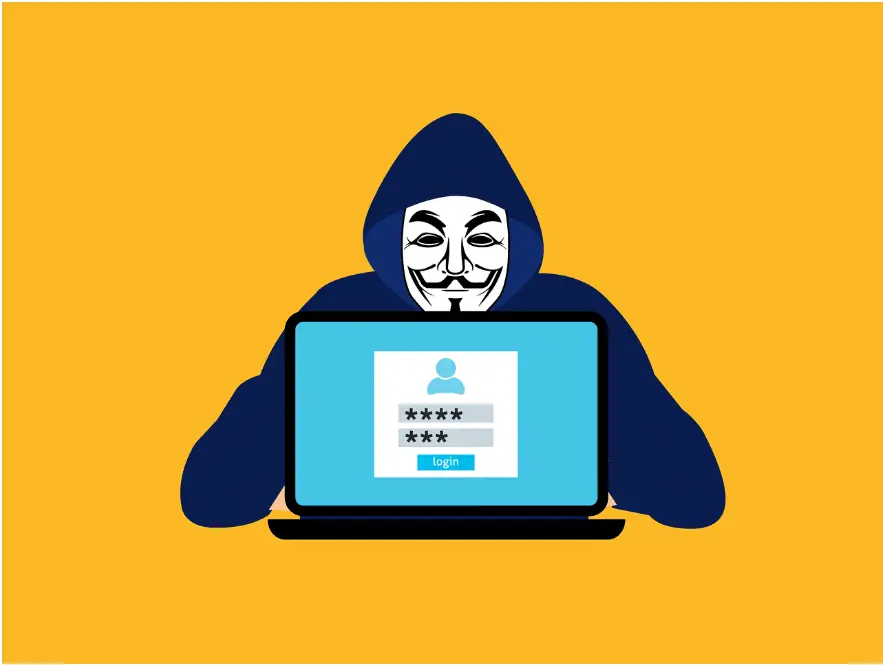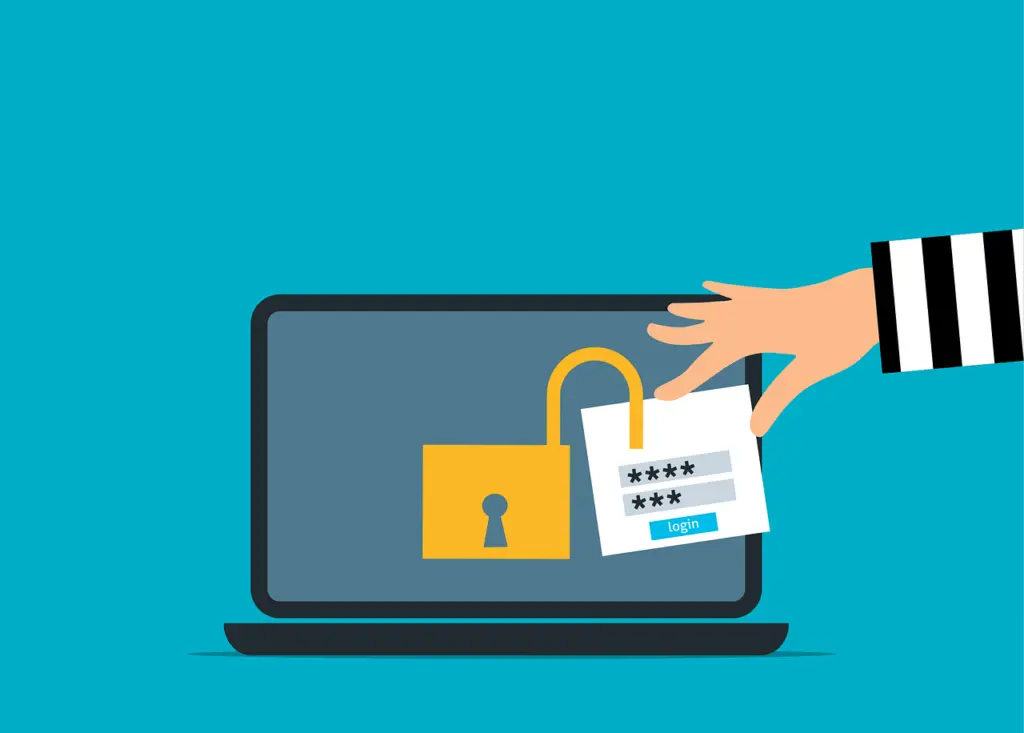
Two-step login (multi-factor authentication) is crucial, but session cookie hijacking can let attackers reuse a logged-in session and skip the prompt—so pair MFA with layered controls like safer sign-ins, healthy devices, tighter session rules, and early detection.
It’s Not About Beating the Login—It’s About Stealing the Session
Think of two-step login as a strong deadbolt. It keeps out a lot of trouble. But once you’re inside, your browser uses a temporary “proof you’re signed in” so you don’t have to log in again on every click. If a criminal gets that proof, they can walk in behind you.
That’s what session cookie hijacking is: reusing your already authenticated session. Attackers aren’t cracking MFA. They’re going around it.
Cloudflare points out that modern breaches often chain techniques together, including ways to get around MFA rather than defeat it directly. In practice, that means MFA can stop a lot of stolen passwords, but it doesn’t automatically protect everything that happens after a successful sign-in.
Microsoft has documented adversary-in-the-middle scams that relay a real login through a fake page and capture both the password and the session cookie. The attacker isn’t breaking MFA—they’re capturing the session after you’ve passed it and reusing it.
What a Session Cookie Does—and Why Thieves Want It
When you sign in to a web app, the site needs a way to remember you. That temporary state is your session. A small piece of data—often a cookie—stores the session ID so the site knows you’re still you.
As Kaspersky explains, session hijacking is often called cookie hijacking because cookies commonly hold that identifier. Steal the ID and you can act as the user until the session ends.
Proofpoint describes these session tokens like digital keys. If someone copies a valid key, they can impersonate a real user and may bypass checks like MFA because the session already looks trusted.
How Session Cookie Hijacking Plays Out
Account takeover isn’t always about guessing passwords or spamming users with push approvals. Here are three common paths attackers use to lift valid sessions:
1) Adversary-in-the-Middle (AiTM) phishing
You visit a login page that looks normal, but it’s a relay. The attacker’s proxy sits between you and the real site, forwarding your actions in real time so everything appears to work—MFA included. Meanwhile, they capture your password and the fresh session cookie. Microsoft reported one AiTM campaign that tried to hit more than 10,000 organizations starting in September 2021. Again, this isn’t an MFA flaw; it’s session theft after authentication.
2) Browser-in-the-Middle (BitM) control
Here, the attacker effectively inserts themselves into the browsing process and takes control of the signed-in state. According to Google’s threat intelligence, once a session token is stolen, the attacker can use that authenticated state without passing another MFA challenge. They aren’t logging in as you—they’re riding your active session.
3) Pulling cookies from the device
Sometimes it’s simpler: compromise the computer and grab stored session data. With valid tokens taken from the device, an attacker can impersonate the user. Invicti notes that stealing HTTP cookies can give access to accounts and sensitive information contained in those cookies.
Make Two-Step Login Your Starting Point—Then Secure the Session
Two-step login is still essential. It blocks a huge amount of basic credential theft. But because attackers can reuse a live session, protection has to extend past the login screen—especially for offices around Panama City and Bay County that lean on cloud apps every day.
Practical steps that work together:
- Use phishing-resistant sign-ins where you can, so fake pages are less effective.
- Treat device health as part of identity. If a computer or phone isn’t in good shape, don’t trust the session.
- Tighten session behavior for sensitive apps: shorter lifetimes, re-checks for risky actions, and limits on where sessions can be used.
- Watch for suspicious access patterns that point to replayed sessions and act quickly when something looks off.
When you layer these controls, MFA stops being a checkbox and becomes a solid baseline—backed by protections that guard the session itself.
Frequently asked questions
Does this mean we should stop using two-step login?
No. Keep it on. It blocks many easy attacks. Session hijacking is a reminder to add safeguards around the authenticated session, not to drop MFA.
How do attackers get around the MFA prompt?
They don’t always try to. With AiTM, Browser-in-the-Middle, or cookie theft from the device, they capture the session after you authenticate and then reuse it.
What can we do right now?
Focus on phishing-resistant sign-ins, healthy devices, tighter session policies for high-risk apps, and detection that flags unusual access—steps that directly cut session hijack risk based on guidance from Cloudflare, Microsoft, Google, Kaspersky, Proofpoint, and Invicti.
If you’d like help locking down sessions across your cloud apps and office tools, get in touch with Flux Labs.
—