
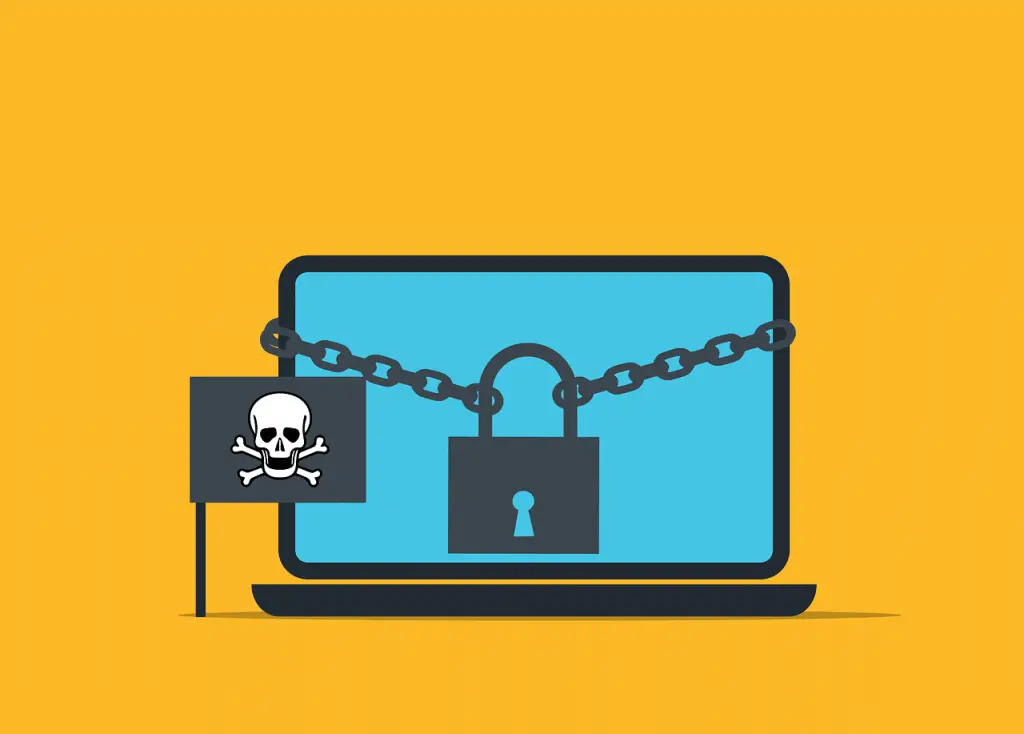
To reduce ransomware damage, focus on preparation and a calm response: keep systems updated, train your team, maintain clean backups, and if hit, disconnect fast, don’t pay, report it, and restore from safe copies.
Ransomware, Explained in Plain English
Ransomware is malicious software that scrambles your files and demands money to unlock them. It’s disruptive and expensive for businesses of any size. The UK’s National Cyber Security Centre provides helpful background on how these attacks work and what to watch for (ransomware guidance).
How It Slips In and Locks You Out
Most infections start with a fake email, a risky download, or a compromised website. Once inside, the malware can move across your network, encrypt documents and databases, and then post a note demanding payment.
Everyday Moves That Prevent Trouble
- Update everything. Turn on automatic updates for your computers and business apps. Patches close holes criminals use to break in.
- Run reputable antivirus. Keep it active and updated. It can block or flag many known ransomware strains.
- Be cautious with email and links. Don’t open attachments or click links you weren’t expecting. When in doubt, confirm with the sender another way.
- Back up important data. Keep copies of key files somewhere other than your main computer or server. If the originals get locked, you still have clean versions to restore.
How to Reduce Ransomware Damage if It Strikes
- Disconnect right away. Unplug from Wi‑Fi or the network to stop the spread.
- Don’t pay the ransom. There’s no guarantee you’ll get your files back, and paying fuels more crime.
- Report the incident. Notify law enforcement and your national cyber security center. Your report can help disrupt future attacks and you may receive guidance.
- Restore from backups. Use your clean copies to get back up and running after the infection is removed.
Stronger Practices for Businesses
- Train your team. Show staff what suspicious emails look like and what to do if they see something odd. A quick report can stop an attack.
- Use strong, unique passwords. Don’t reuse passwords across accounts. This limits how far an attacker can go.
- Limit access to sensitive files. Give employees only the access they need for their jobs. Less access means less to encrypt if someone’s account is compromised.
- Build and practice a response plan. Document who does what, how you’ll communicate, and how you’ll recover. A dry run makes the real thing faster and less chaotic for offices around Panama City.
Ransomware Tactics Are Evolving
- Phones and tablets are targets too. Treat mobile devices with the same care you give your computers.
- Double extortion. Criminals may steal copies of your data before locking it, then threaten to publish it if you don’t pay.
- Cloud accounts under attack. File storage and email in the cloud can be hit as well, so protect those accounts and review security settings.
Stay Ready and Resilient
Ransomware is a serious risk, but steady basics—updates, careful browsing and email habits, and solid backups—go a long way. For businesses, add staff training, limited access, and a tested plan to respond quickly.
Need help shoring up defenses or building a recovery plan? Flux Labs is here for Bay County businesses—get in touch.
—


